Never Miss Leads or Appointments Again
Appointment Automation: How Local Service Businesses Can Book More Jobs Without Chasing Leads
If you run a local service business, your calendar is everything. When it’s full, revenue is steady. When it’s not, stress creeps in. Yet many business owners still rely on manual booking, missed calls, back-and-forth texts, and spreadsheets to manage appointments. The result? Leads slip through the cracks, no-shows pile up, and it becomes nearly impossible to tell which ads or marketing efforts are actually working.
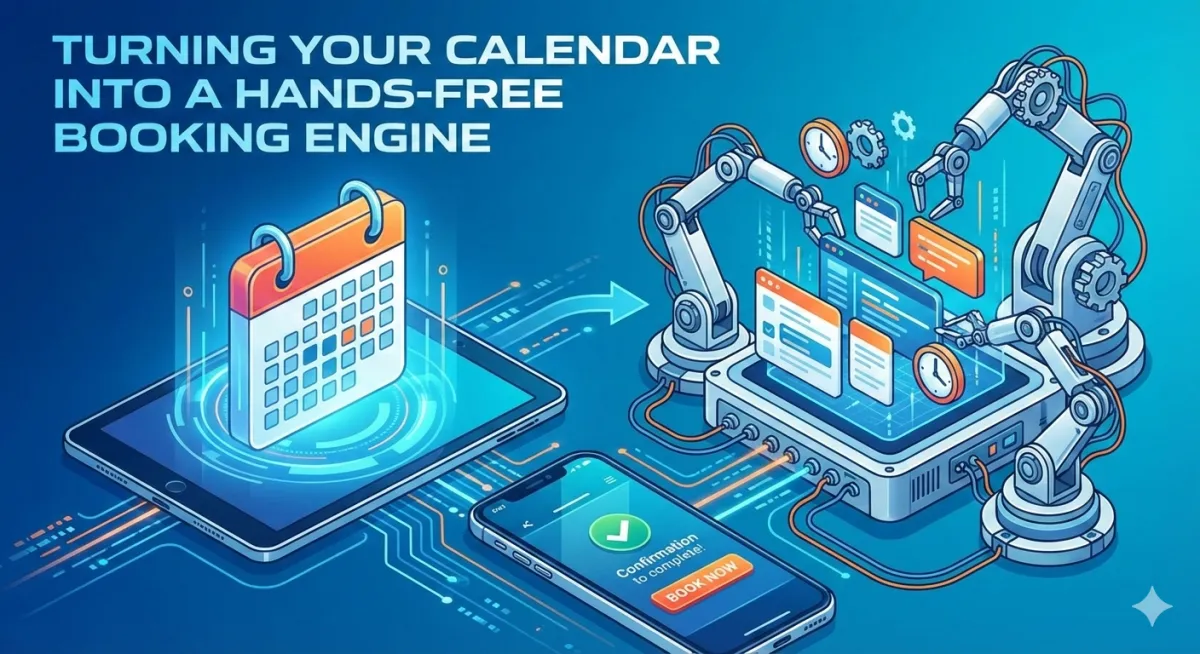
This is where appointment automation changes the game. Instead of reacting to leads and manually scheduling every call or visit, automation turns your calendar into a hands free booking engine. Prospects can book on their own time, confirmations and reminders go out automatically, and every appointment is tracked inside your CRM.
For local service business owners, this isn’t about fancy tech. It’s about saving time, reducing no-shows, and getting clear visibility into what’s driving real jobs not just clicks. In this article, we’ll break down how appointment automation works, why it matters, and how tying it to an agency CRM like Pura Vida Ink automation and CRM can simplify your entire operation.
The Real Booking Problem Local Service Businesses Face

Most local service businesses don’t lose customers because of bad service. They lose them before the job even starts.
Common booking problems look like this:
A lead fills out a form, but no one follows up fast enough
A phone call is missed during a busy workday
A prospect texts back after hours and never gets scheduled
Appointments get booked, but reminders aren’t sent
Customers forget or no-show, costing you time and money
On top of that, many owners have no clear answer to questions like:
Which ads are actually booking appointments?
Are website forms converting into real jobs?
How many leads fall off before scheduling?
Without a connected system, everything feels scattered. That’s where appointment automation tied to a CRM makes a real difference.
What Is Appointment Automation (In Plain English)?
Appointment automation simply means your system handles booking tasks for you without manual effort.
Instead of chasing leads, your business sets up rules that automatically move prospects into a booking flow. Once that’s in place, the system does the heavy lifting.
With appointment automation, you can:
Let leads book instantly from your website, funnels, or ads
Send confirmation texts and emails automatically
Remind customers before their appointment
Make rescheduling easy without staff involvement
Follow up when someone cancels or no-shows
The key is that everything runs in the background, even when you’re busy on a job or off the clock.
How Appointment Automation Reduces No-Shows
No-shows are one of the biggest silent revenue killers for local businesses. Even one missed appointment a day adds up quickly over a month.
Automated reminders alone can dramatically improve show rates.
A simple reminder sequence might include:
A confirmation message immediately after booking
A reminder 24 hours before the appointment
A final reminder 2 hours before
These messages don’t feel pushy. They feel helpful. Customers appreciate reminders, especially when they’re busy.
Even better, appointment automation allows:
One-click reschedule links
Easy cancellations without phone calls
Automatic follow-ups inviting people to rebook
Instead of losing the appointment completely, you often recover it.
Why Booking Should Be Connected to Your CRM
Many businesses use scheduling tools that work “on their own.” The problem is those tools don’t talk to the rest of your marketing or sales data.
When appointment automation is connected to an agency CRM, every booking becomes part of a bigger picture.
With Pura Vida Ink automation and CRM, each appointment is tied to:
A contact record
The lead source (ads, website, SMS, referral)
A pipeline stage
The assigned team member or location
This means you’re no longer guessing where your best appointments come from. You can see exactly which campaigns turn into real booked jobs.

Turning Your Calendar Into a Hands-Free Booking Engine
The real power of appointment automation is how flexible it is.
Here’s what a hands-free booking setup can look like for a local service business:
A customer clicks an ad or visits your website
They fill out a short form or send a text
The system immediately offers available appointment times
They choose a slot without waiting for a callback
Confirmation and reminders go out automatically
This works for:
Estimates
Consultations
Service calls
Follow-ups
Multi-location scheduling
Instead of relying on office staff to manually book everything, the system runs 24/7.
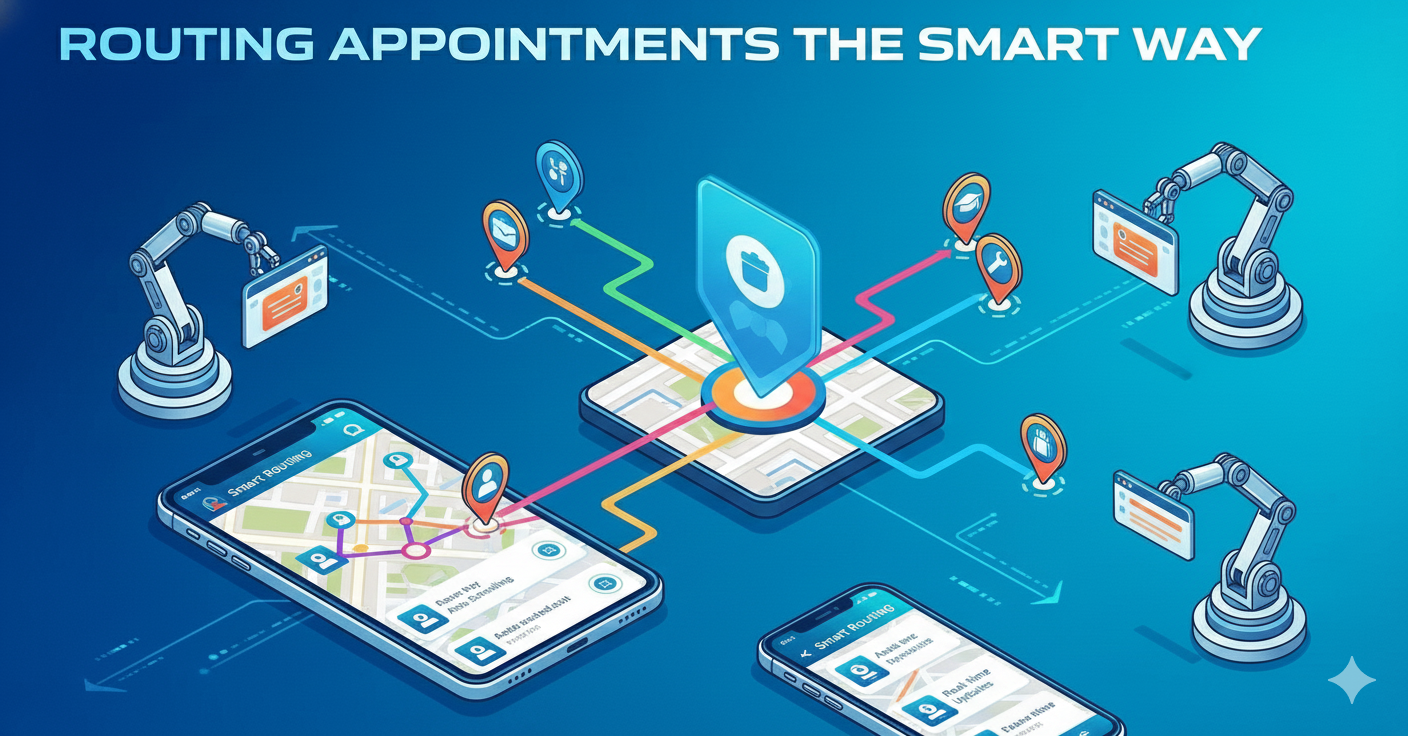
Routing Appointments the Smart Way
Not all appointments should go to the same person or place.
Appointment automation lets you route bookings based on rules, such as:
Appointment type
Location or service area
Availability of team members
New lead vs returning customer
For example:
New leads go to your top closer
Certain services route to specific technicians
Different locations get their own calendars
This reduces confusion and keeps your operation running smoothly as you grow.
How Appointment Automation Improves ROI Visibility
One of the biggest frustrations local business owners have is not knowing if their marketing is actually paying off.
With appointment automation tied into your CRM, you can finally track ROI clearly.
You can see:
Which ads generate booked appointments
Which forms convert best
Which channels produce no-shows vs real jobs
Revenue per appointment source
Over time, this allows you to:
Test different reminder timings
Improve booking flows
Optimize messaging
Focus ad spend on what actually works
Instead of guessing, you make decisions based on real data.
A Practical Example: From Lead to Booked Job
Let’s say someone clicks a Google Ad for your service.
Without automation:
They submit a form
You call them hours later
They don’t answer
The lead goes cold
With appointment automation:
They submit the form
They’re instantly shown available times
They book on the spot
The system confirms and reminds them
The appointment shows up in your CRM
Same lead. Completely different outcome.
Why Local Service Businesses Benefit the Most
Local service businesses are appointment-driven by nature. That makes appointment automation one of the highest-impact systems you can put in place.
It helps you:
Respond faster than competitors
Reduce admin work
Improve customer experience
Fill your calendar consistently
Scale without adding stress
And when it’s built into an all-in-one system like Pura Vida Ink automation and CRM, you avoid juggling tools that don’t talk to each other.
Conclusion: Simpler Booking, Better Results
Appointment automation isn’t about replacing people. It’s about removing friction. For local service business owners, it turns booking from a daily headache into a smooth, predictable process.
By embedding calendars, automating confirmations and reminders, and connecting everything to your CRM, you gain more control over your time and clearer insight into your marketing performance. No more wondering where leads went or why the calendar is half empty.
If you’re looking to improve show rates, reduce missed opportunities, and finally understand what’s driving booked appointments, exploring appointment automation inside a unified system like Pura Vida Ink automation and CRM is a practical next step.
Sometimes, the biggest growth wins come from fixing the simplest problems like how people book time with your business.
If you want, next I can:
Turn this into a pillar page + cluster posts
Rewrite it for local SEO city pages
Create a shorter version for LinkedIn or email
Optimize it further for conversion without sounding salesy
Just tell me what you want next.
